Introduction
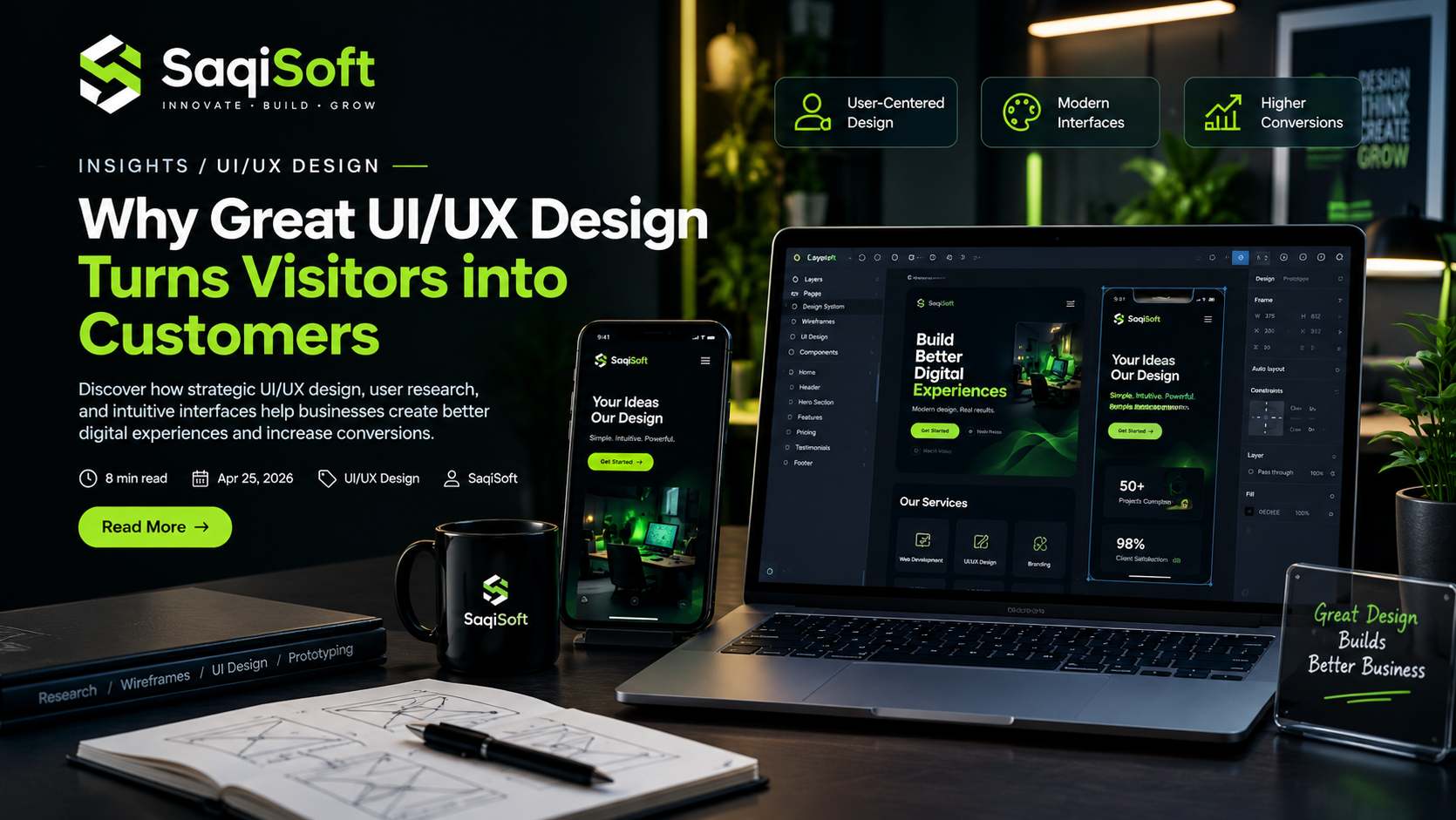
A beautiful website does not automatically create a successful digital experience. Visitors need more than attractive colors, modern typography, and impressive visuals. They need an interface that helps them find information, understand products, and complete actions without unnecessary confusion.
This is where professional UI/UX design services become important.
Modern businesses compete not only through their products and services but also through the quality of their digital experiences. A confusing checkout process, complicated navigation, or poorly structured dashboard can discourage users from continuing their journey.
Strategic UI/UX design focuses on understanding user behavior and creating interfaces that make digital interactions simple, meaningful, and effective.
Whether you are developing a business website, SaaS platform, mobile application, or enterprise dashboard, investing in user-centered design can help create stronger customer relationships and better business outcomes.
01. Why UI/UX Design Matters for Modern Businesses
Your digital platform represents your brand every time someone visits your website or application.
Users quickly form opinions about the quality, reliability, and usability of a digital product. If the experience feels confusing or outdated, they may leave without exploring what your business offers.
Professional UI/UX design services help businesses create digital products that balance visual appeal with practical functionality.
Business Benefits of Good UI/UX Design
Better User Engagement: Clear layouts encourage visitors to explore your website and interact with its content.
Improved Conversions: Simple user journeys make it easier for customers to complete important actions.
Stronger Brand Identity: Consistent design elements create a recognizable digital presence.
Reduced User Friction: Intuitive navigation minimizes unnecessary steps and confusion.
Higher Customer Satisfaction: User-friendly interfaces create more comfortable digital experiences.
Key Insight:
Good design is not simply about making a website look attractive. It is about helping users achieve their goals while supporting your business objectives.
02. Understanding the Difference Between UI and UX
UI and UX are closely connected, but they serve different purposes in the design process.
Understanding the difference helps businesses make better decisions when planning websites, applications, and digital products.
What Is User Interface (UI) Design?
User Interface design focuses on the visual and interactive elements users see when interacting with a digital product.
It includes:
Colors and typography
Buttons and interactive elements
Page layouts and spacing
Icons and visual components
Navigation menus
Design systems and visual consistency
The objective is to create an interface that looks professional, communicates clearly, and supports easy interaction.
What Is User Experience (UX) Design?
User Experience design focuses on the overall experience users have while interacting with a website or application.
It considers:
User behavior and expectations
Navigation and information architecture
Customer journeys
Usability and accessibility
Task completion
User feedback and testing
UX design ensures that a digital product works logically and meets the needs of its intended audience.
UI vs. UX:
UI determines how a digital product looks and how its interface is presented. UX determines how effectively users interact with it.
Both are necessary to create successful digital products.
03. How Poor User Experience Affects Business Growth
Even businesses with excellent products can lose potential customers because of poor website or application experiences.
Small usability problems can create unnecessary obstacles throughout the customer journey.
Common UI/UX Problems
Complicated Navigation
When users cannot find important information quickly, they may abandon the website.
Unclear Calls to Action
Visitors need clear instructions about what to do next, whether they want to purchase a product, request a quote, or contact a business.
Poor Mobile Experience
Layouts that do not adapt properly to mobile screens can make websites difficult to use.
Confusing Checkout Processes
Too many steps, unclear pricing, and unnecessary form fields can discourage customers from completing purchases.
Inconsistent Design
Different layouts, colors, and interaction patterns can make a digital product feel unreliable or difficult to understand.
Why Businesses Should Address These Problems
Improving usability helps remove unnecessary friction from the customer journey.
Instead of asking users to figure out how your platform works, a well-designed interface guides them toward the information and actions they need.
04. The Role of User Research and Customer Behavior
Effective UI/UX design begins with understanding the people who will use the product.
Without proper research, businesses risk creating interfaces based on assumptions rather than actual customer needs.
User research provides insights into how people interact with websites, applications, and digital services.
Important User Research Methods
User Interviews
Direct conversations help identify user expectations, challenges, and preferences.
Surveys and Feedback
Questionnaires provide useful information about customer satisfaction and common usability issues.
Competitor Analysis
Studying competing products helps identify industry patterns, design opportunities, and areas for improvement.
Behavior Analysis
Analytics and interaction data can reveal where users spend time, which pages they visit, and where they abandon processes.
User Journey Mapping
Mapping the customer journey helps identify important interactions and potential obstacles.
Research Advantage:
Understanding users before designing reduces guesswork and helps businesses invest in features that provide genuine value.
05. Wireframing and Prototyping Before Development
Creating a digital product directly from an idea without planning its structure can lead to expensive revisions and unnecessary development work.
Wireframing and prototyping help businesses visualize and test ideas before development begins.
What Is Wireframing?
A wireframe is a simplified visual representation of a website or application.
It focuses on page structure, content placement, navigation, and essential functionality rather than detailed visual styling.
Wireframes help teams understand how different elements will work together.
What Is Prototyping?
A prototype is an interactive representation of a digital product that demonstrates how users will navigate and interact with its interface.
It helps stakeholders experience important workflows before the actual development process.
Benefits of Wireframing and Prototyping
Identify usability issues early.
Improve communication between stakeholders and designers.
Validate layouts and user journeys.
Reduce unnecessary development revisions.
Test functionality before implementation.
Establish a clear design direction.
Practical Recommendation:
Investing time in wireframing and prototyping can prevent misunderstandings and reduce the cost of making major design changes later.
06. Essential Principles of High-Converting Interface Design
An effective interface should make important information easy to understand and actions easy to complete.
Professional UI/UX design services combine visual hierarchy, consistency, usability, and accessibility to create meaningful interactions.
Key Design Principles
Visual Hierarchy
Important information should stand out through appropriate typography, spacing, contrast, and placement.
Consistency
Buttons, navigation, colors, and other interface elements should follow consistent design patterns.
Simplicity
Avoid unnecessary elements that distract users from important information and actions.
Clear Calls to Action
Use descriptive labels that communicate exactly what happens when users interact with a button.
Readable Typography
Choose appropriate font sizes, line spacing, and contrast to improve content readability.
Feedback and Interaction
Provide clear visual feedback when users submit forms, click buttons, or complete important actions.
The Importance of Design Systems
A design system is a collection of reusable components, styles, and guidelines that help maintain consistency across digital products.
It can include:
Color palettes
Typography rules
Buttons and form elements
Navigation components
Spacing systems
Reusable interface patterns
Design systems make it easier for teams to maintain and expand websites and applications over time.
07. Responsive Design and Accessibility
Users access websites and applications through different devices, screen sizes, and technologies.
A successful digital product must provide a consistent and accessible experience regardless of how people interact with it.
Responsive UI/UX Design
Responsive design allows interfaces to adapt to different screen sizes.
Important considerations include:
Flexible layouts and grids.
Mobile-friendly navigation.
Readable text on smaller screens.
Touch-friendly buttons and controls.
Optimized images and visual elements.
Consistent functionality across devices.
Why Accessibility Matters
Accessibility ensures that digital products can be used by people with different abilities and interaction requirements.
Important accessibility practices include:
Sufficient color contrast.
Keyboard-friendly navigation.
Descriptive labels for form fields.
Alternative text for meaningful images.
Logical heading structures.
Clear focus indicators.
Following accessibility guidelines such as WCAG helps create more inclusive digital experiences.
08. How to Measure the Success of UI/UX Design
A successful design should improve the way users interact with your digital product.
Businesses should evaluate design performance using measurable indicators rather than relying only on visual appearance.
Important UI/UX Performance Metrics
Conversion Rate
Measures the percentage of users who complete a desired action.
Task Completion Rate
Shows how successfully users complete specific activities.
Task Completion Time
Measures how long users take to complete important processes.
Bounce and Engagement Metrics
Helps understand how visitors interact with website pages and whether they continue exploring.
Customer Satisfaction
Surveys and feedback help measure how users feel about their experience.
Usability Testing Results
Testing reveals navigation problems, confusing interactions, and areas requiring improvement.
Combining analytics with direct user feedback provides a more complete understanding of design performance.
09. Choosing the Right UI/UX Design Partner
Selecting a professional design partner is an important decision for businesses developing or improving digital products.
The right team should understand your business objectives, customer expectations, and technical requirements.
What to Look For
Portfolio and Experience: Review previous website, application, and dashboard design projects.
User-Centered Approach: Make sure the team considers research and usability instead of focusing only on visual appearance.
Wireframing and Prototyping: Look for a structured process that validates ideas before development.
Design Consistency: Evaluate the team's ability to create reusable components and consistent interfaces.
Development Understanding: Designers should understand how their designs will be implemented by developers.
Communication: A reliable partner should explain design decisions and collaborate throughout the project.
How SaqiSoft Creates Better Digital Experiences
At SaqiSoft, we believe great digital products begin with understanding the people who use them.
Our UI/UX design approach combines creative thinking, practical functionality, and user-centered strategies to create interfaces that support real business objectives.
Our design capabilities include:
UI/UX Design for Websites
Web Application Interface Design
SaaS Product Design
Wireframing and Prototyping
User Journey Mapping
Dashboard and Admin Panel Design
Responsive Interface Design
Design Systems and Component Libraries
Whether you are launching a new digital product or improving an existing platform, SaqiSoft helps transform complex requirements into clear, intuitive, and engaging user experiences.
Our focus is to create digital interfaces that look professional, work effectively, and grow alongside your business.
Frequently Asked Questions
1. What are UI/UX design services?
UI/UX design services involve planning and designing digital interfaces and user experiences for websites, applications, dashboards, and other digital products.
2. Why is UI/UX design important for businesses?
It helps improve usability, customer satisfaction, engagement, and conversion opportunities by making digital products easier to understand and use.
3. What is the difference between UI design and UX design?
UI design focuses on visual elements and interactions, while UX design focuses on the complete experience users have when interacting with a product.
4. What tools are commonly used for UI/UX design?
Popular tools include Figma, Adobe XD, Sketch, and other prototyping and collaboration platforms.
5. What is wireframing in UI/UX design?
Wireframing is the process of creating a basic layout that shows the structure, content placement, and functionality of a website or application.
6. How long does a UI/UX design project take?
Timelines depend on project complexity, research requirements, number of screens, and feedback cycles. A small website may take days or weeks, while larger applications require more time.
7. Can UI/UX design improve website conversions?
Yes. Better navigation, clear calls to action, simplified forms, and improved user journeys can help reduce friction and encourage users to complete desired actions.
8. Should UI/UX design happen before development?
Yes. Planning the user experience and interface before development helps establish clear requirements and identify usability issues earlier.
Final Thoughts
Great UI/UX design is not just about creating attractive digital interfaces. It is about understanding users, solving problems, and making every interaction meaningful.
Businesses that invest in user-centered design can create more intuitive websites, improve customer experiences, and build digital products that support long-term growth.
From initial research and wireframing to final interface design, every stage contributes to the quality of the finished product.
Have Something Ambitious in Mind?
Your next digital product deserves an experience people enjoy using.
Start your project with SaqiSoft and create intuitive digital experiences that move your business forward.

SaqiSoft
Strategy, design, development and automation for ambitious digital businesses.